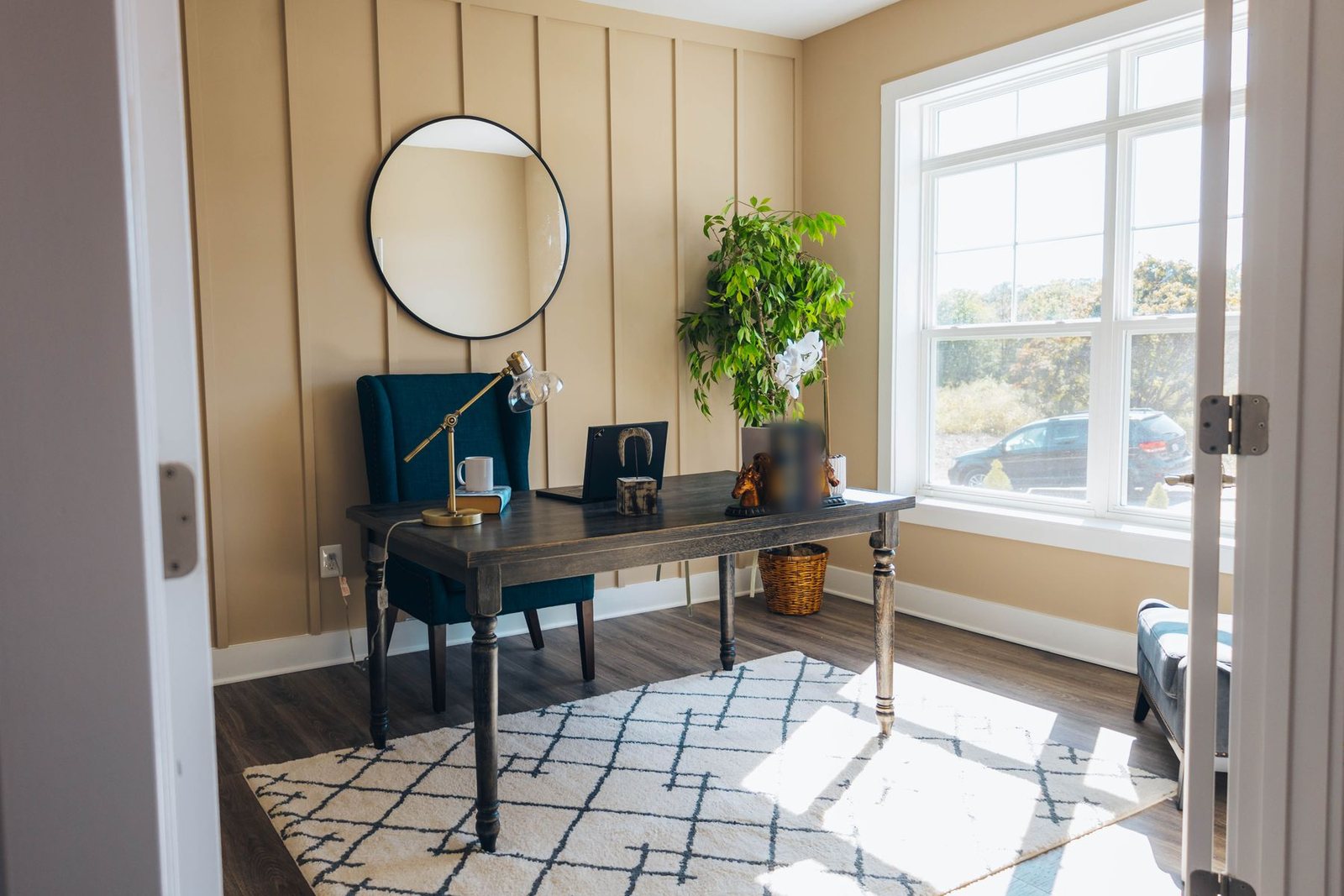
A home office has to do several jobs at once: support your body for hours, give you good light without glare on the screen, look presentable on video calls, keep paperwork and cables under control and, in many homes, share space with a bedroom or living room.
This guide covers the decisions that make the biggest difference, starting with comfort and light.
Key takeaways
- Choose the spot carefully: light, quiet, power and separation from distractions.
- Set up the chair, desk and screen to fit your body.
- Combine daylight with a task lamp and avoid glare.
- Plan storage and cable management so the desk stays clear.
- In shared rooms, define the office zone and make it easy to put away.
Choosing a spot
- Light: near a window, ideally with the window to the side of the desk.
- Quiet: away from the kitchen, TV and busy hallways if possible.
- Power and connectivity: outlets nearby and good Wi-Fi, or a wired connection.
- Separation: a door you can close helps concentration and work-life boundaries, but a well-defined corner can work too.
Desk and chair basics
These are common ergonomic guidelines; adjust to your body and any advice from your doctor or employer.
- Chair: adjustable seat height, back support for the lower back, and armrests that do not push your shoulders up.
- Feet: flat on the floor or on a footrest, knees roughly level with hips.
- Desk height: your forearms should rest roughly level with the desk when your shoulders are relaxed. Adjustable or sit-stand desks make this easier and let you change posture through the day.
- Screen: about an arm’s length away, with the top of the screen at or slightly below eye level.
- Laptops: a laptop stand with a separate keyboard and mouse helps avoid hunching over the screen.
Change position and take short breaks regularly; no setup is comfortable if you stay still for hours.
Light
- Daylight: place the desk so windows are to the side. A window behind the screen makes you squint; a window behind you reflects in the screen.
- Window treatments: sheer curtains or blinds soften harsh light. See how to hang curtains.
- Task lamp: an adjustable lamp lights paperwork without shining on the screen.
- Ambient light: avoid working in a dark room lit only by the screen.
- Color temperature: neutral to warm white light is comfortable for most people; keep it consistent in the room.
Our guide to layered lighting at home explains ambient, task and accent light.
Video calls
- Light in front of you: face a window or use a soft light source near the camera, not a bright window behind you.
- Camera at eye level: raise the laptop or use an external camera.
- Background: a tidy bookshelf, art or a plain wall looks better than an unmade bed or a busy kitchen.
- Sound: a headset or external microphone often improves audio more than any other upgrade.
Sound
Rooms with hard floors and bare walls echo on calls. Soft surfaces help:
- Rugs and curtains.
- Upholstered chairs and cushions.
- Bookshelves filled with books.
- Acoustic panels on walls or behind the desk. See our guide to acoustic felt panels.
Storage and cables
- Keep the desk surface clear: use drawers, a shelf or wall-mounted storage for supplies.
- File or digitize paper regularly.
- Cable management: cable trays under the desk, clips and a power strip mounted out of the way.
- Closed storage helps in shared rooms so work can be put away at the end of the day.
Color and comfort
Choose wall colors that you find calm and that look good on camera. Test paint in the room’s real light; see paint color undertones. Plants, a comfortable rug and personal objects make long working days more pleasant.
Small spaces and shared rooms
- Closet office: remove the doors or use folding doors, add a shelf-desk, task light and storage above.
- Wall-mounted desk: a fold-down desk saves floor space when not in use.
- Corner of the living room: define the zone with a rug, shelving or a screen. See small living room layout ideas.
- Bedroom office: face the desk away from the bed and choose storage that closes so work is hidden at night.
- Dining table office: keep a box or cart for equipment so the table can return to dining.
Common mistakes
- A dining chair used for full working days.
- The screen too low, or a laptop used flat on the desk all day.
- A window directly behind the screen.
- No task light.
- Cables and paper spreading across every surface.
Bottom line
Start with a chair and screen setup that fits your body, place the desk for good side light, add a task lamp and some soft surfaces, and give every item a home. Then make the space your own so you want to spend time there.